Option A: Canvas Inspector
Large image canvas with editable boxes, plus a detailed side form for one selected pot.
UI-only wireframes to compare interaction models before implementation.
Each page shows a different way to label pots, add notes, and mark images as not usable for training.
Inspiration note: Option G is inspired by MathWorks Image Labeler app patterns (toolstrip, label-definition panes, canvas, and image browser). Source: MathWorks documentation.
Large image canvas with editable boxes, plus a detailed side form for one selected pot.
Step-by-step workflow with a filmstrip so you move through one image at a time in order.
Many thumbnails at once for quick scanning, with a sticky editor for fast review actions.
Timeline of garden run dates, then focused editing for a chosen day and photo.
Kanban-style status lanes (confirmed, needs review, no basis) organized by pot state.
Two-image side-by-side comparison to verify if a pot match is consistent across days.
Desktop labeler style with tabbed toolstrip, left label definitions, bottom browser, and right review pane.
Precision-first: draw/select on image, edit selected pot in side panel.
Open Option A
Task-driven sequence: explicit steps + filmstrip progression.
Open Option B
Speed-first queue scan with sticky editor for high-throughput review.
Open Option C
Chronology-first review that starts from day-level context, then edits one focal image.
Open Option D
Pot-centric status lanes to clear high-risk rows first, with quick side edits.
Open Option E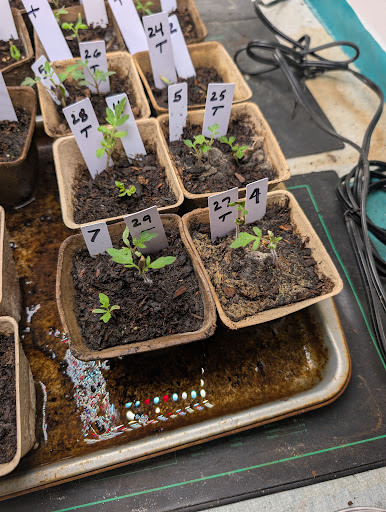
Two-frame verification mode for confirming whether images represent the same pot.
Open Option F
Image Labeler-style desktop workflow adapted for pot IDs, varieties, notes, and do-not-use flags.
Open Option G